Setting up an AI assistant that runs entirely offline
Fusion · Individuals · November 16, 2026
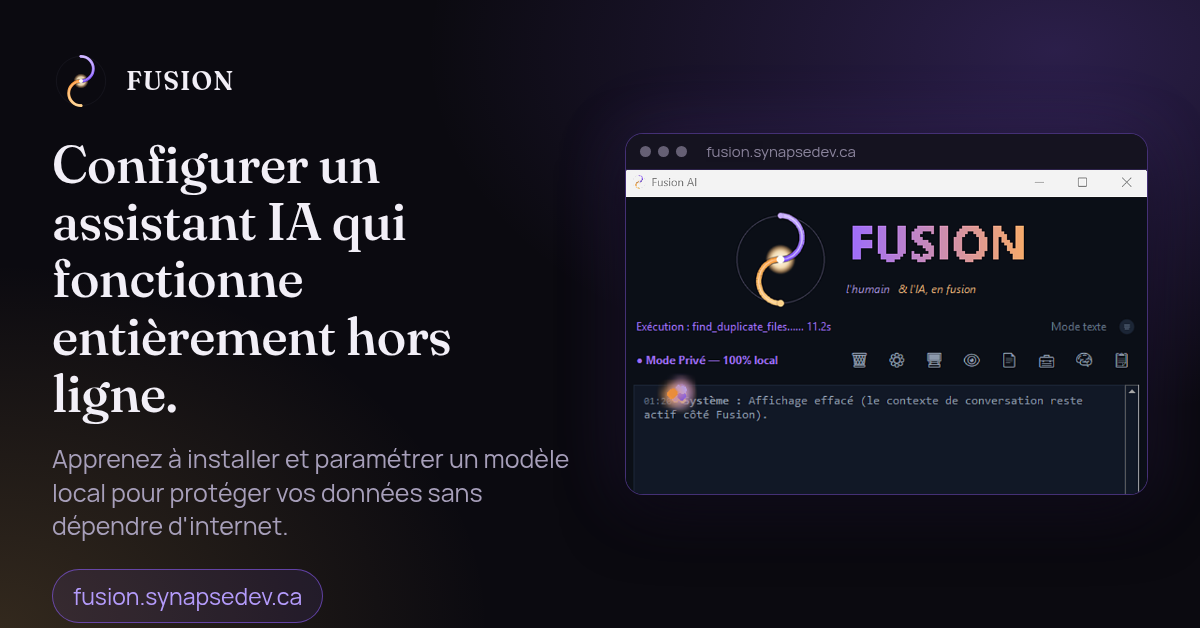
Many individuals want to benefit from an intelligent assistant without sending their personal information to remote servers. Running a model directly on your computer provides this control, provided you prepare your environment properly.
Check hardware compatibility
Before installing a local model, consult the minimum requirements indicated by the developers. Sufficient RAM avoids constant swapping with the hard drive, which degrades performance. The processor and graphics card must have computing power suited to the size of the target model. Also verify available storage space to accommodate the weight files without saturating the disk.
Select a model suited to your uses
Matching the model choice to actual needs avoids unnecessarily overloading the computer. A lightweight version is ample for daily writing, summarizing, or translating. If the machine has comfortable resources, a more complete model adds nuance to complex responses. Verifying available RAM remains the first step before any installation.
Configure the tool for comfortable daily use
The initial configuration of display and behavior parameters lets you adapt the interface to your work rhythm. Changing the default verbosity avoids having to rephrase overly long prompts at every exchange. Defining custom shortcuts for frequent actions streamlines navigation between windows. Finally, testing several creativity levels helps find the balance between factual precision and generation of original ideas.
What Fusion offers
Fusion requests confirmation before important actions. With no cost per request once installed, it continues to operate without internet for locally hosted services.
Request access. Write to us at [email protected].